A collection of my latest work and creative experiments
Featured · New
Featured Project
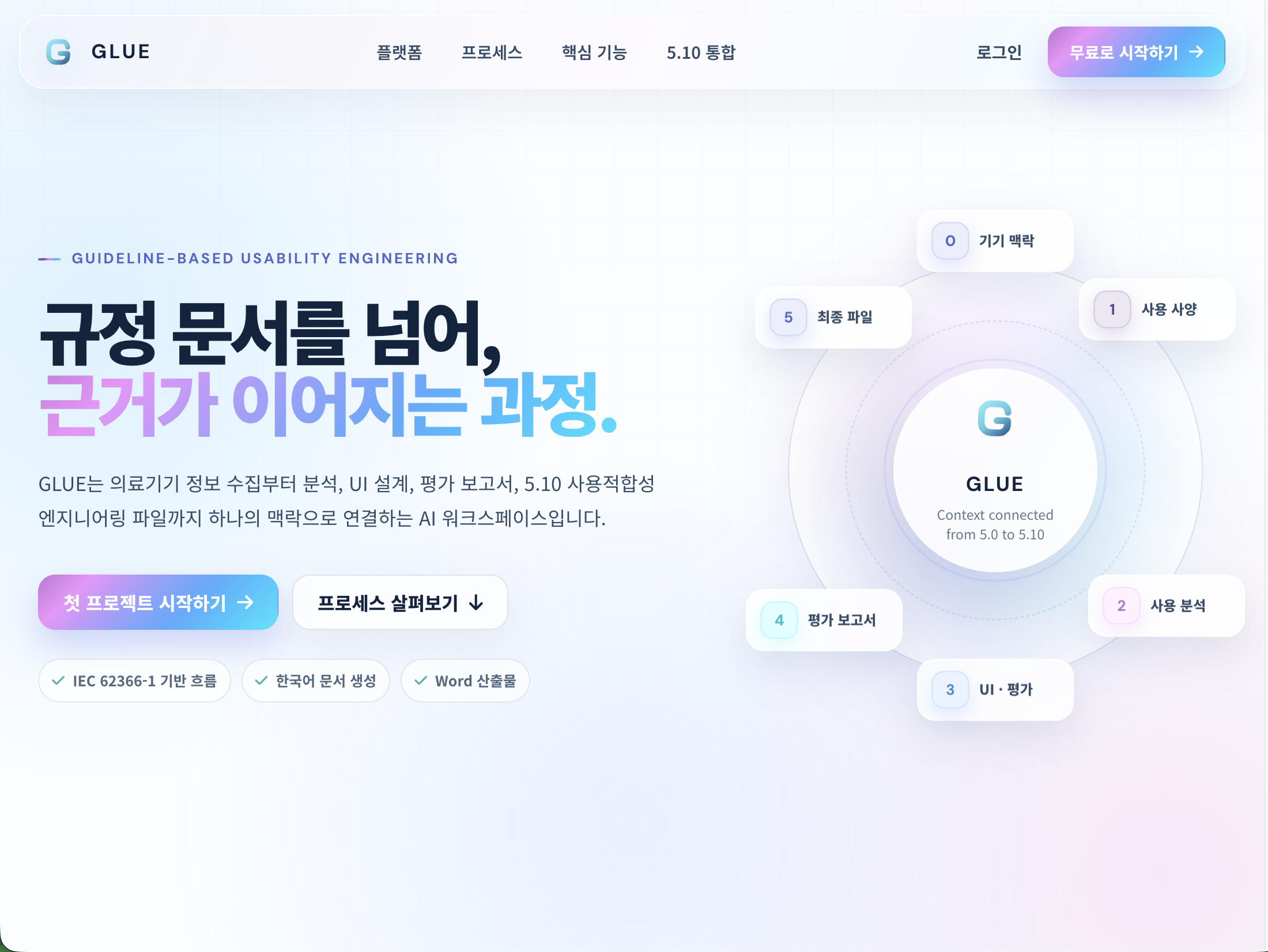
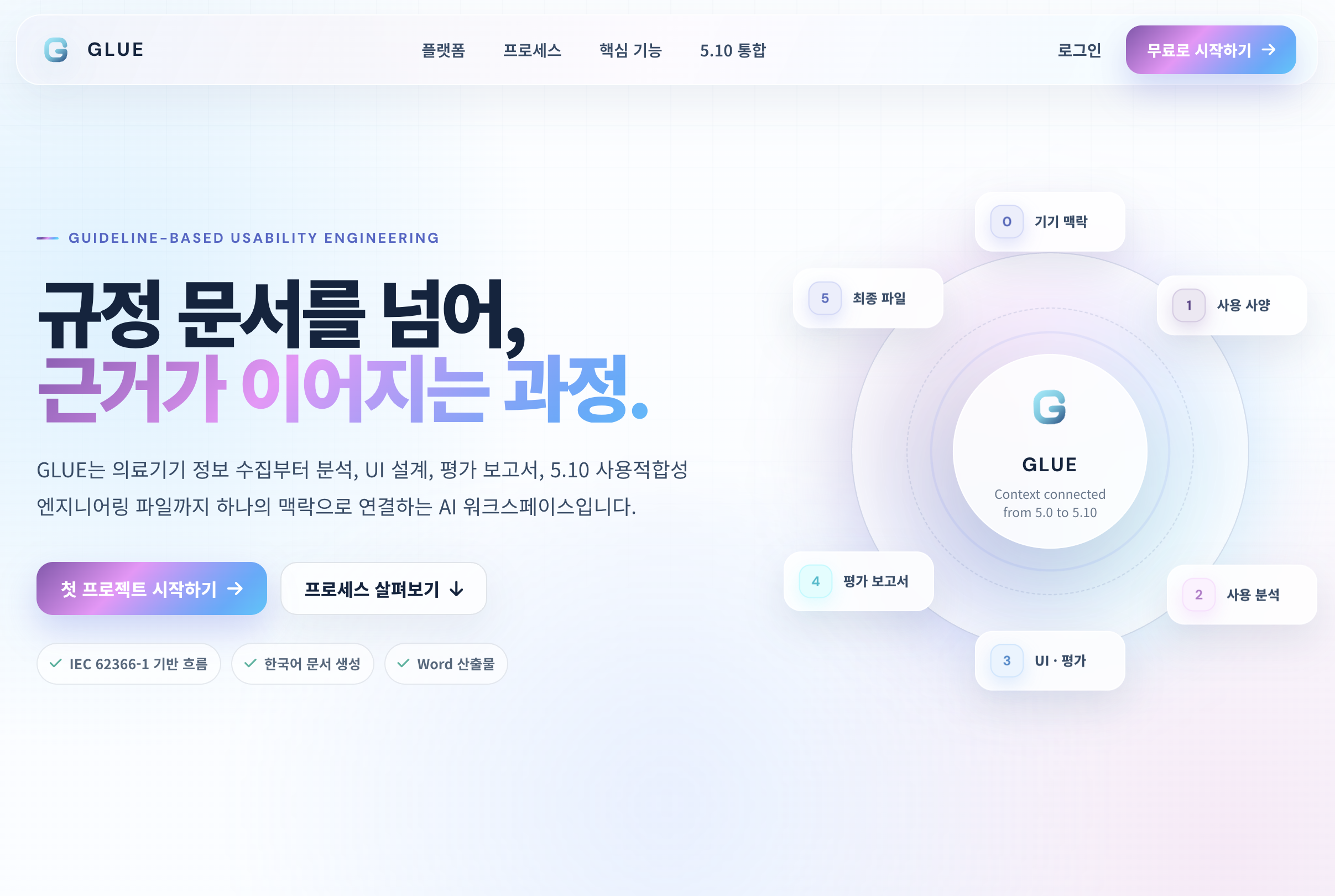
GLUE
Guideline-based Usability Engineering
GLUE turns the fragmented work of medical-device usability engineering into one connected, evidence-led workflow. Eleven linked phases carry a device from its first context and use specification through UI safety characteristics, hazard analysis, use scenarios and UI specifications, into formative and summative evaluation. Nothing is re-entered along the way: user data, hazards, scenarios and UI decisions become the inputs to the next deliverable, so traceability falls out of the workflow instead of being reconstructed at the end. The nine section documents, 5.1 through 5.9, consolidate into a single IEC 62366-1 usability engineering file with Word output and a live preview as each document is written. Manufacturers, usability specialists, RA/QA and evaluation teams all work from the same shared workspace.
An AI-assisted workspace for medical-device engineering file auto generation. Eleven linked phases carry use specifications, hazard analysis, use scenarios, and formative and summative evaluation through one IEC 62366-1-aligned flow, consolidating into a single 5.10 usability engineering file with Word output.
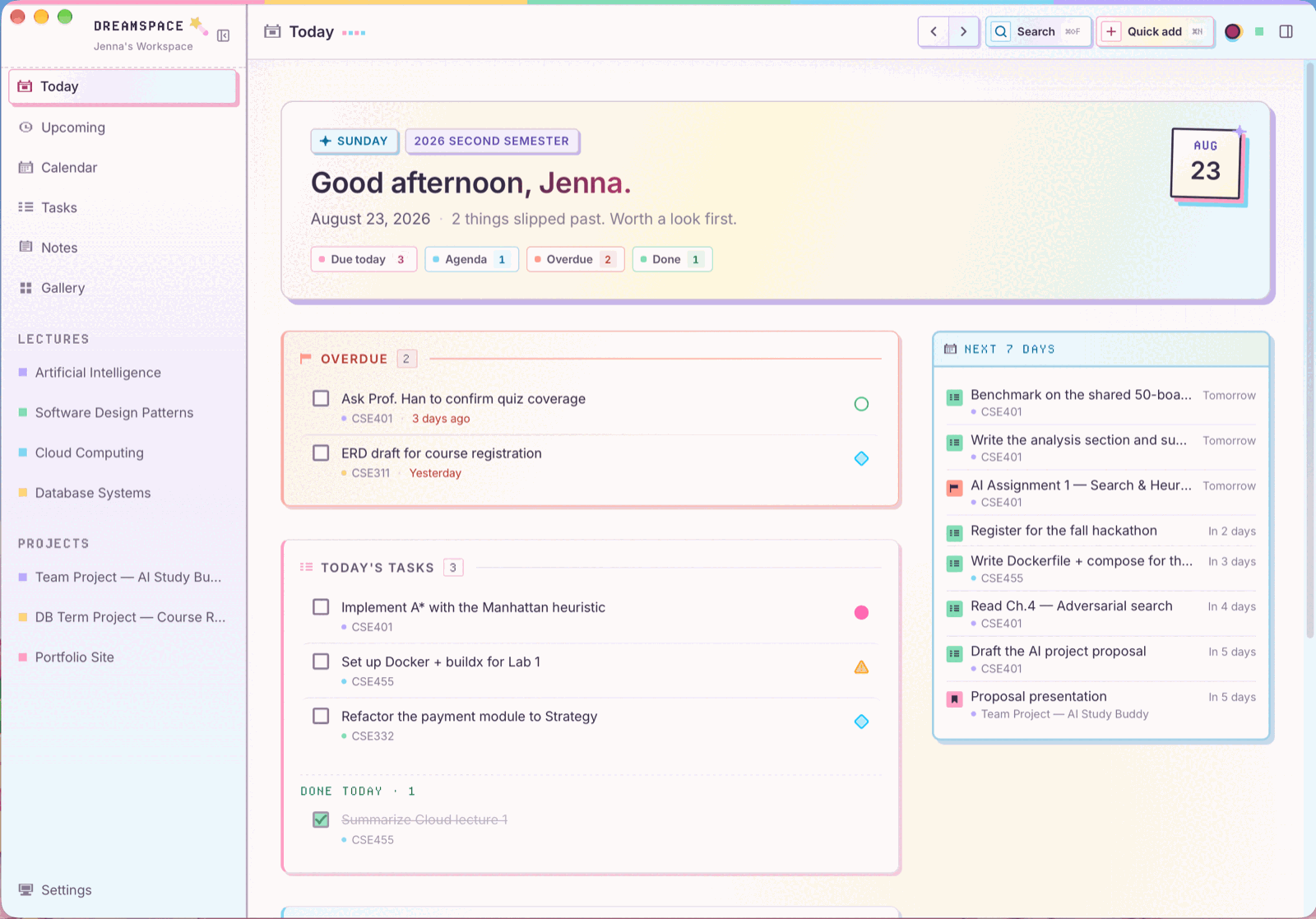
A local-first desktop workspace for university life. Tasks, assignments, exams, courses, projects, notes, and calendar are projections of one relational source, so a Kanban drag and a calendar chip update together rather than syncing. Includes a command palette, natural-language quick add, a Markdown studio with Mermaid and KaTeX, and one-way Google Calendar import.
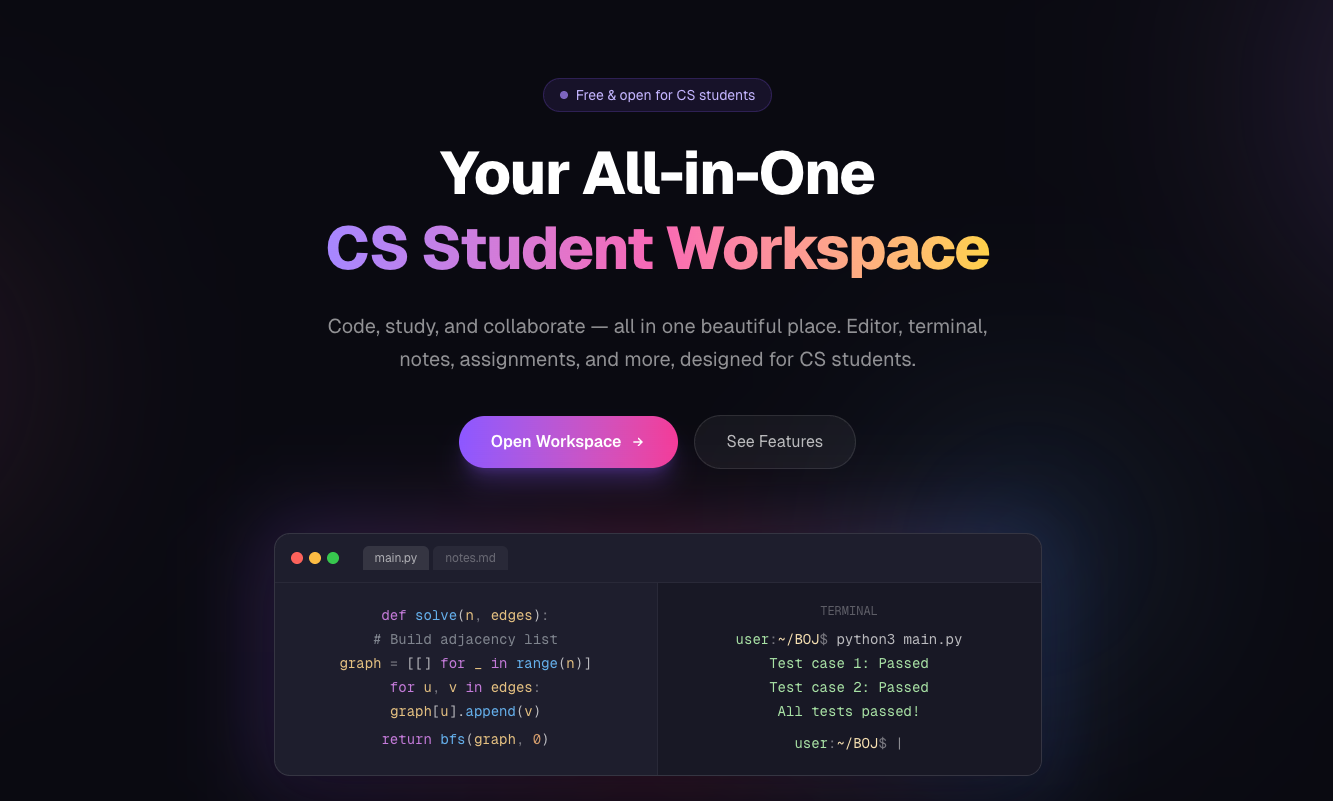
An all-in-one workspace for computer science students to code, study, and collaborate in the browser. A Monaco editor and an in-page terminal sit next to the coursework, so reading a problem, writing the solution, and running it happen in one place. Assignments feed an integrated calendar, progress analytics track the term, and a Baekjoon integration brings practice problems into the same view.
A transparent overlay that shows a professor how the room is following, live on top of whatever they are presenting. Students open a URL, type a 5-character class code, and tap understand, confused, too fast, again, or two fault reports for a washed-out projector or a dead mic. Reactions float over the slides and questions stack by votes down the right edge. No install, no login, and the overlay is the entire professor interface.
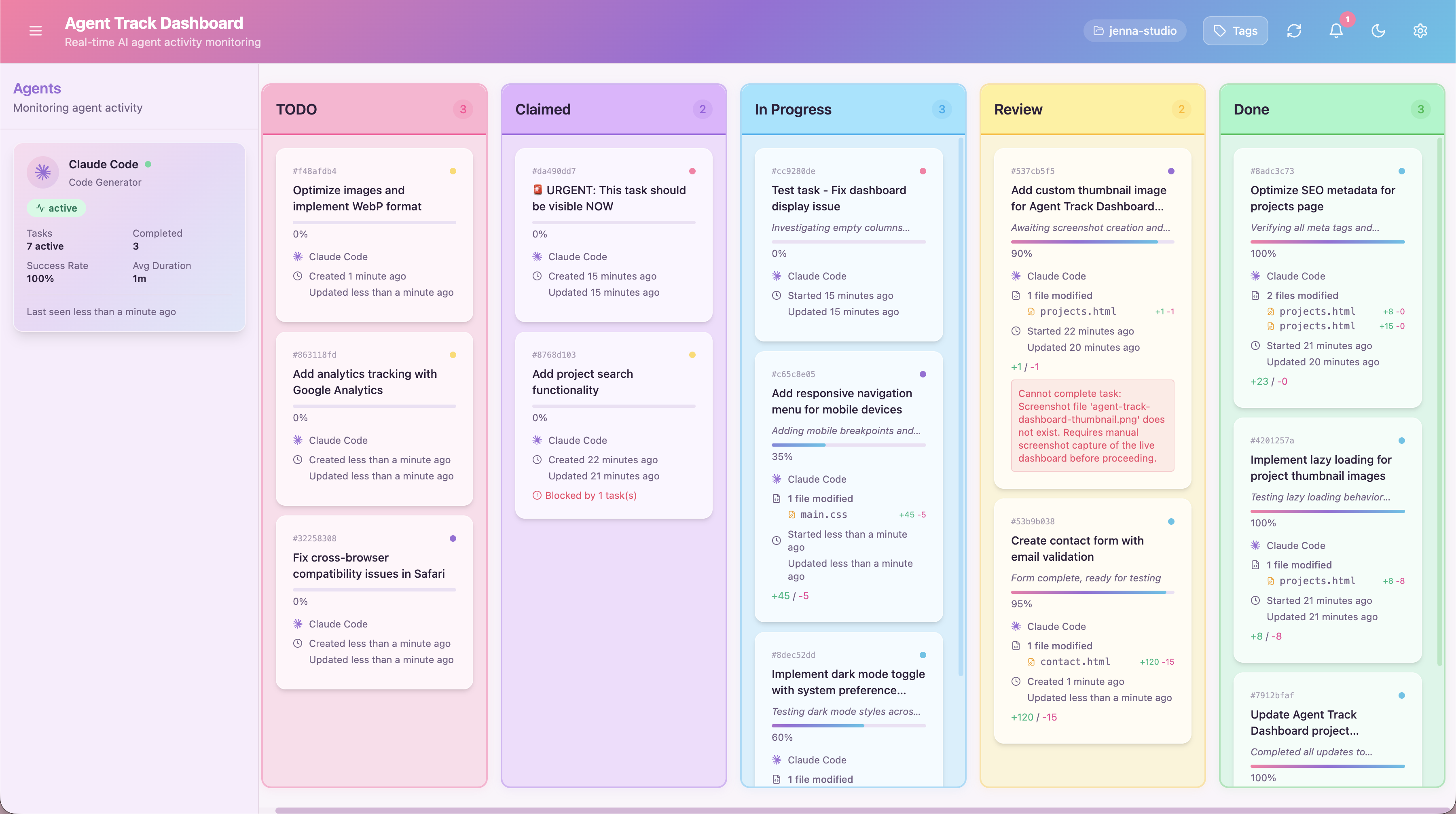
A kanban-based monitoring system for AI agents, served over MCP so the agents report into it as they work. Cards move through the task lifecycle in real time, each one opening onto the files that changed and the reasoning behind them, with token usage and completion metrics collected per agent so a long run stays reviewable after the fact.
A Korean social platform for finding someone to do things with. Activities are posted to a Kakao Maps view across dining, fitness, and hobby categories, so joining one is a matter of seeing what is happening nearby. Groups get real-time chat, and mutual ratings after a meetup keep the friend list built on people who actually showed up.
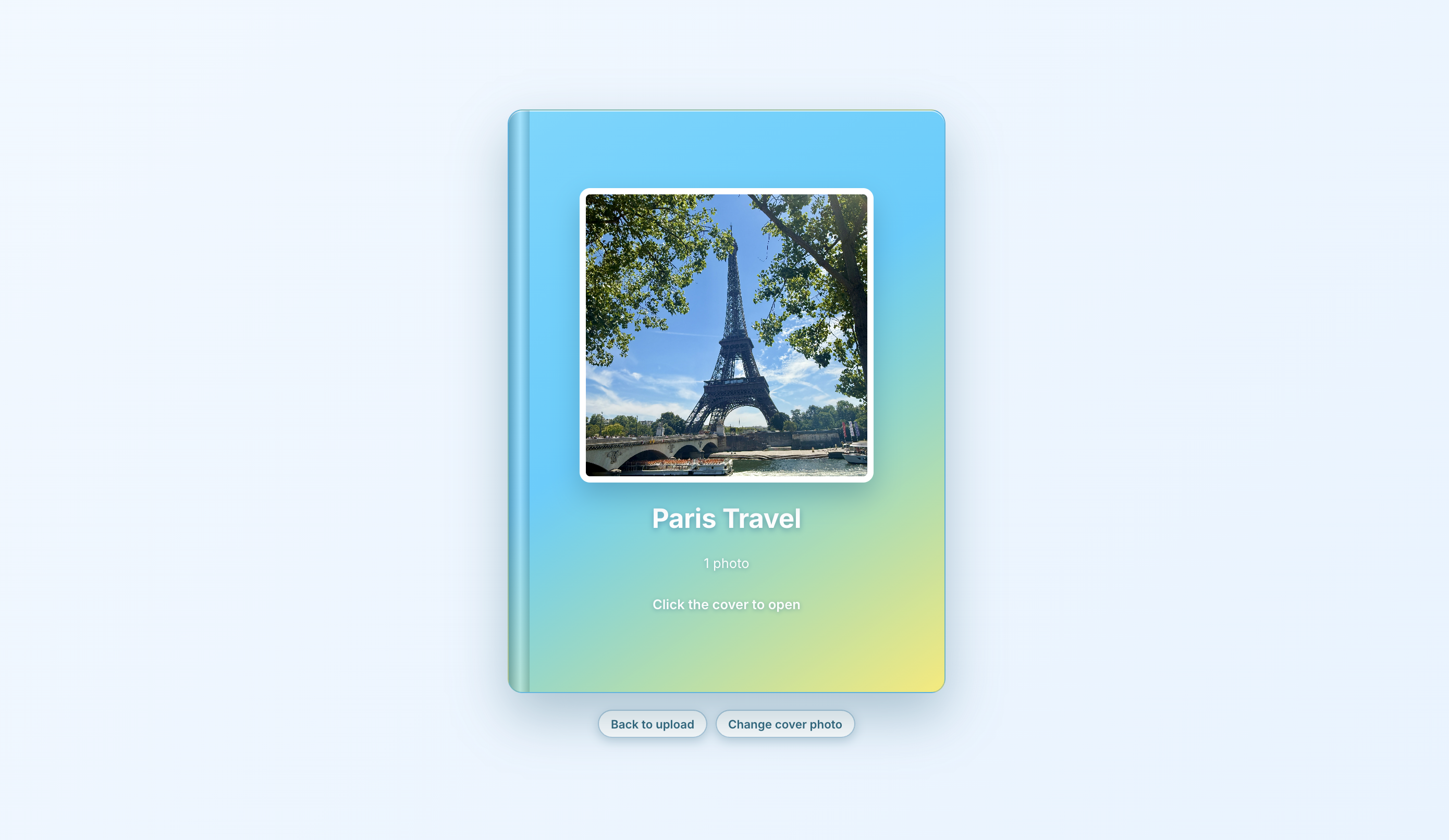
A web app for creating digital photo albums. Features intelligent photo organization by date, book-style interface, and export options including PDF, JPEG, and interactive HTML albums. 100% client-side processing ensures privacy. Select and view favorite photos separately.
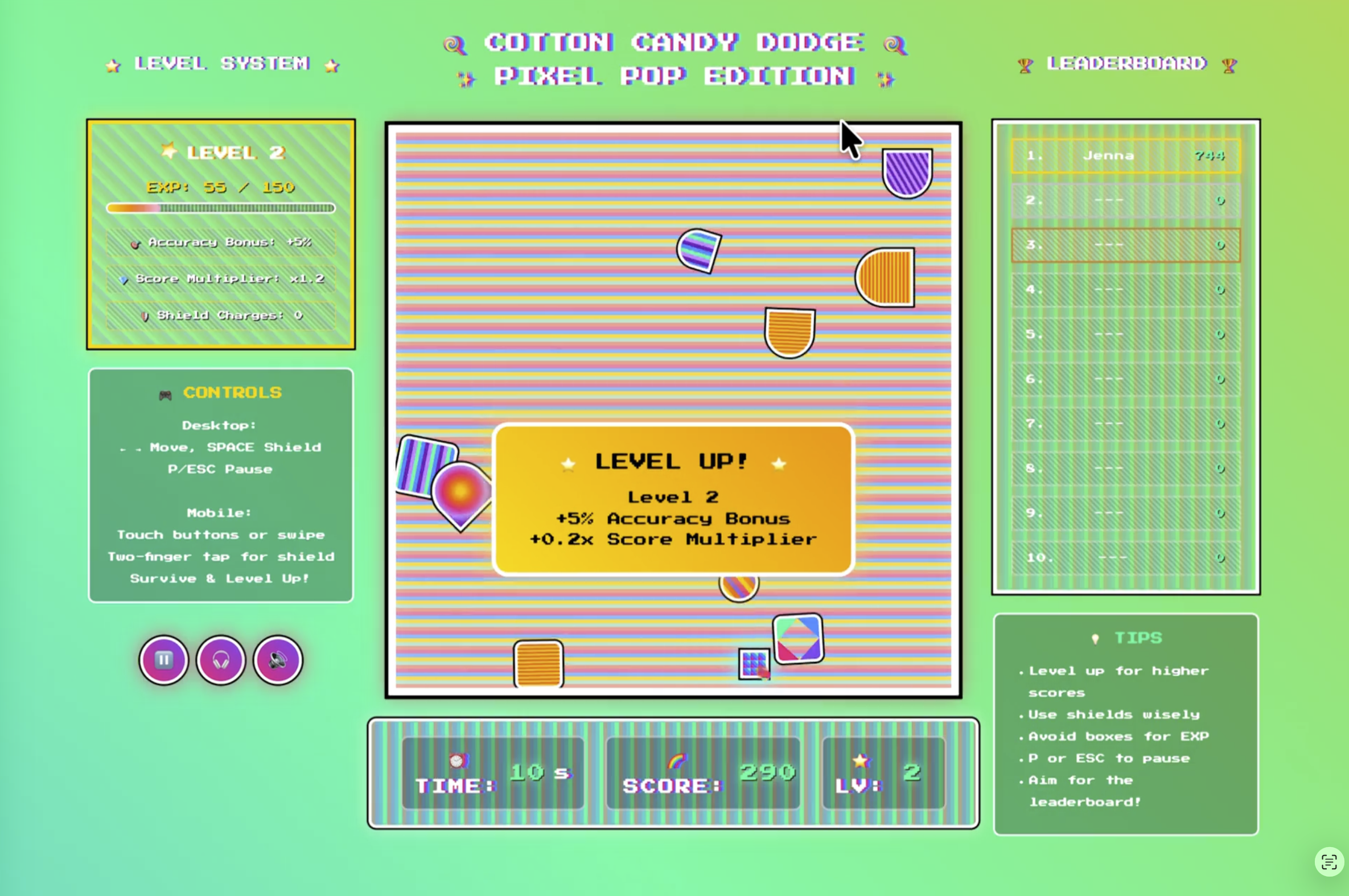
A browser-based arcade survival game where players navigate through falling obstacles while collecting experience points and leveling up. Features dynamic difficulty levels, shield power-ups, sound effects, and a leaderboard system with vibrant pixel art aesthetic.
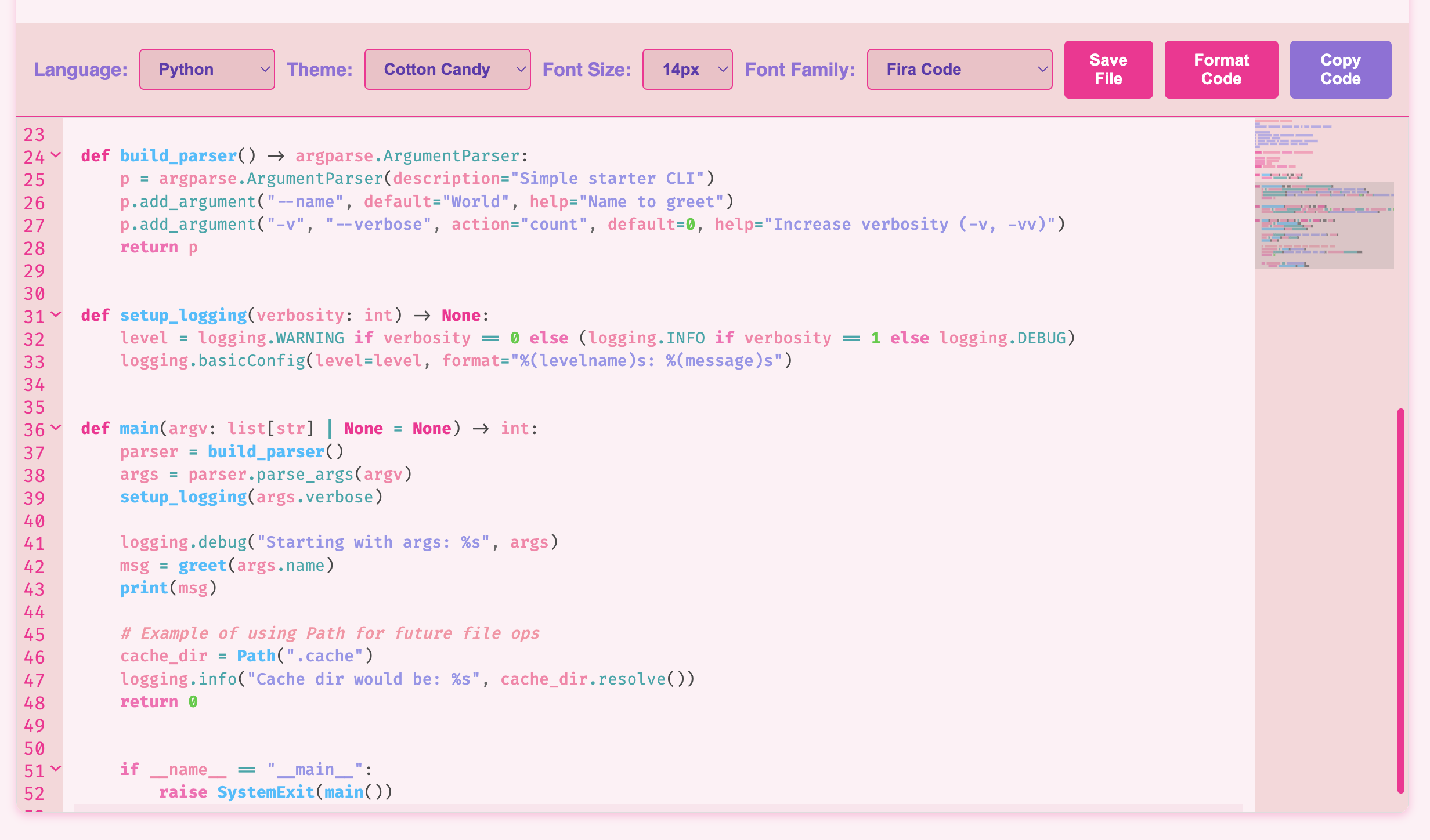
A web-based code editor built with CodeMirror 6 featuring multiple themes. Supports 12+ languages with smart features like auto-completion, syntax highlighting, code copying, and saving. Easy website embedding. Perfect for quick code testing and sharing.
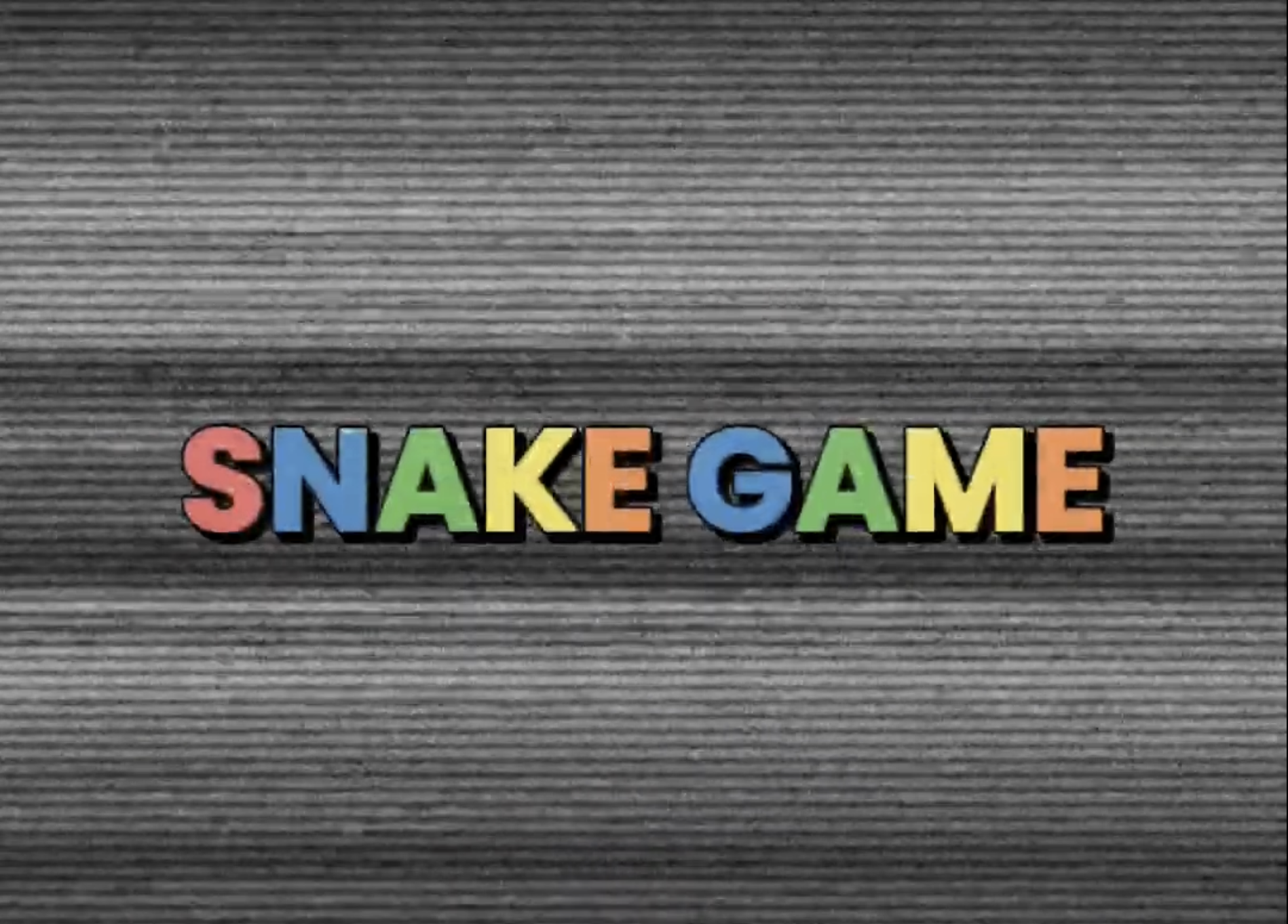
A terminal-based Snake game implemented in C++ using ncurses library. Features stage-based gameplay with 4 unique stages. Includes growth and poison items, teleportation gates, and mission-based progression with scoring and ranking system.
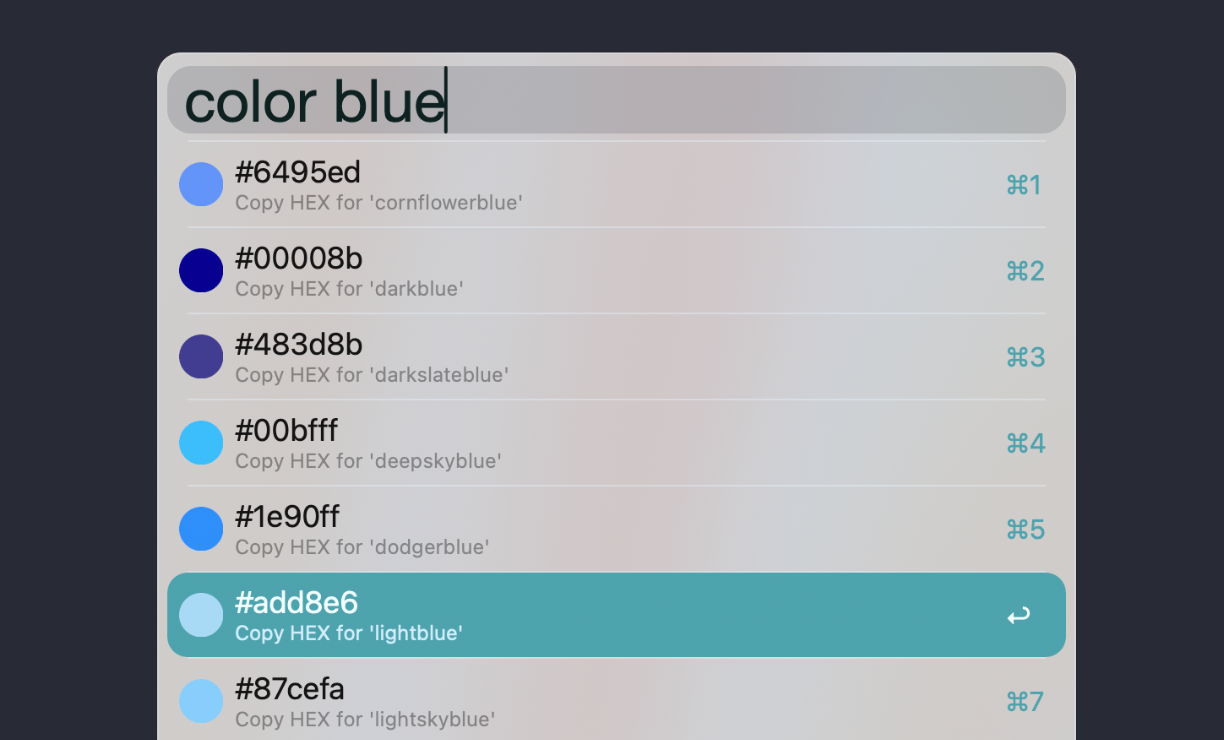
A simple Alfred workflow that allows you to search CSS color names and copy their HEX values with a circular color preview icon. Perfect for designers and developers who need quick access to color codes with visual previews to aid selection. Supports clipboard copying.
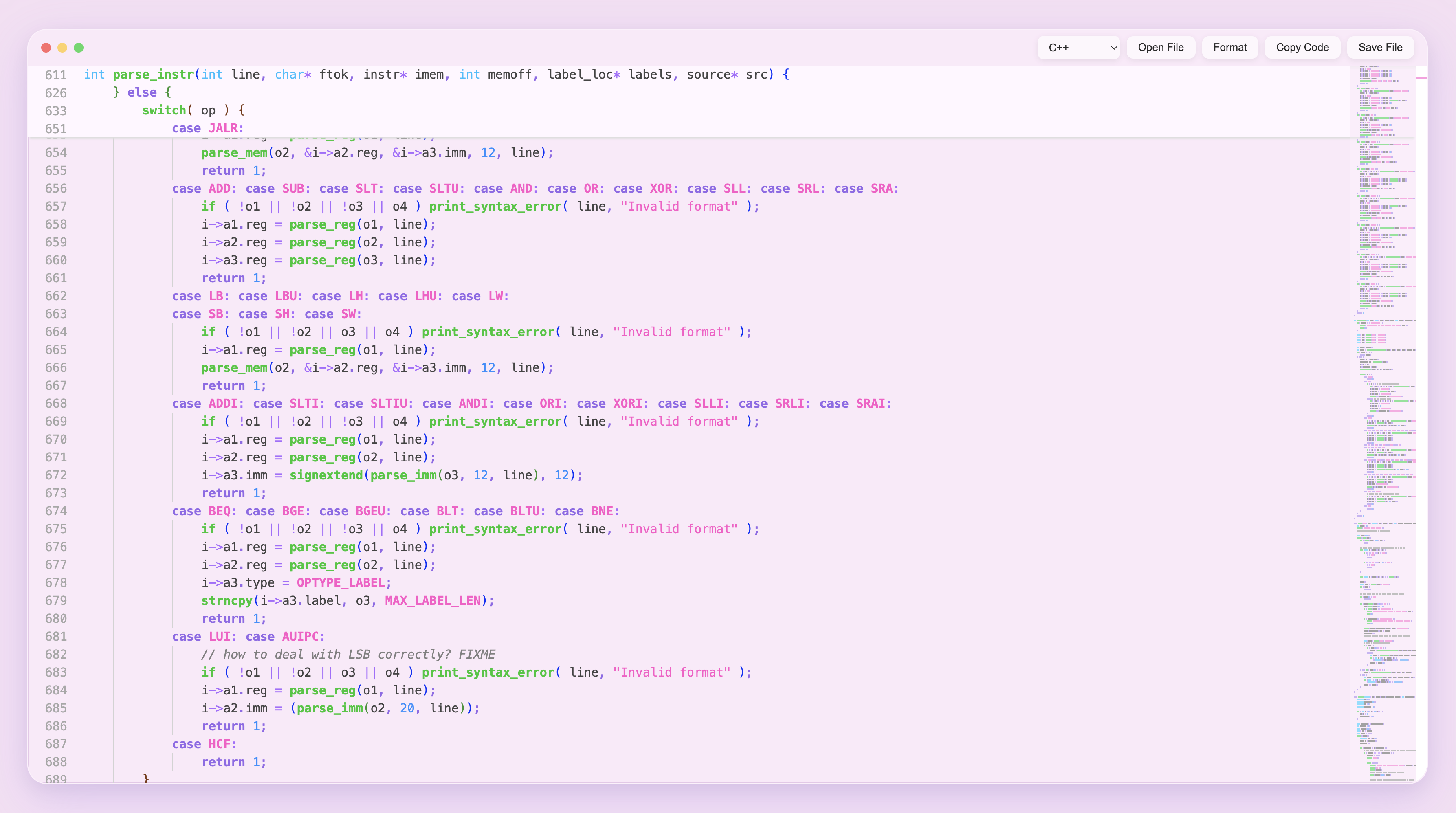
A web-based code editor with a beautiful pastel-themed interface. Features 18+ programming languages, syntax highlighting, auto-language detection, code formatting, and auto-complete. Glass-morphism UI with smooth animations for an aesthetic coding experience.